.png)


Growing a social audience is not only about posting more often. Cavaco helps you connect what you publish, what your audience responds to, and how you continue the conversation across Facebook, Instagram, and X.
Use the cycle in this guide to measure performance, create more relevant content, and turn engagement into ongoing customer relationships.
Measure What Your Audience Responds To
Go to Social → Posts → Analytics. Select the main period you want to evaluate, then choose a comparison period. Available presets include Today, Yesterday, Last 7 days, Last 30 days, Last 90 days, and Last 365 days, with a custom date range available when needed.
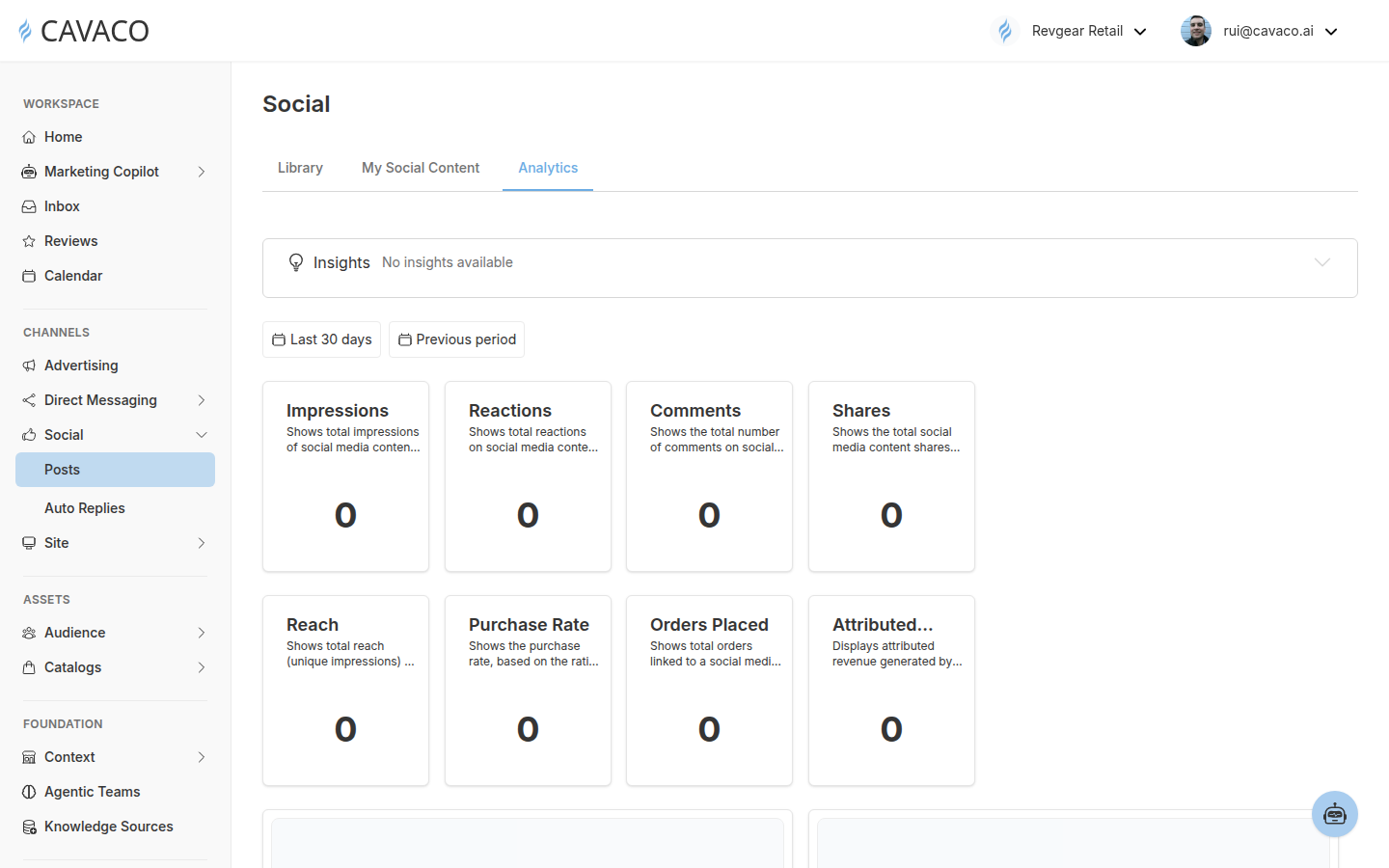
This example period has no measured activity; use the same cards to compare results when connected-platform and commerce data are available.
The released dashboard includes impressions, reach, reactions, comments, shares, purchase rate, orders placed, and attributed revenue. Reach represents unique impressions. Purchase Rate is based on the ratio of orders to product views. Orders Placed and Attributed Revenue connect social activity to commerce outcomes for the selected period.
Review performance by period and compare the content you published. Use that comparison to decide which products, messages, formats, and creative approaches deserve another iteration. Do not rely on a single engagement number; examine visibility, interaction, and commerce results together.
Create More Relevant Content from Shared Context
Select Social → Posts → New Social Content → Build with Copilot. Cavaco associates the content with a saved brand and a connected social integration before generation begins.
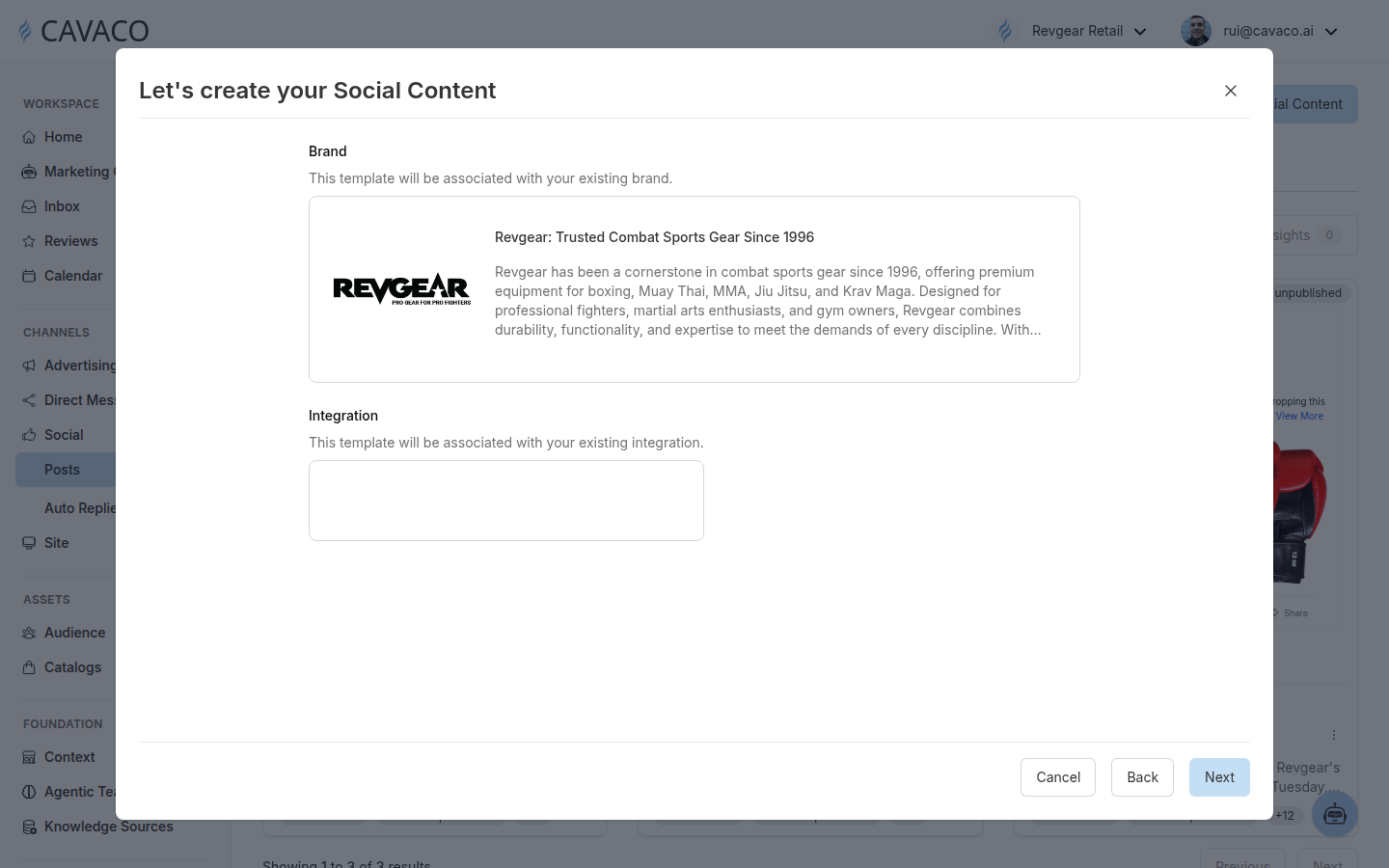
Choose the saved brand and the connected destination before asking Copilot to create or adapt social content.
Give Copilot a clear marketing objective and the context needed to support it. Depending on the request and available assets, Cavaco can use brand context, catalog products, product images, brand-library media, generated images, and user-provided image or video URLs. Product-aware requests can include product identifiers and product context, while carousel planning supports slide-by-slide media instructions.
Cavaco creates and adapts copy for Facebook, Instagram, and X. The platform-specific result can change the copy, tone, emphasis, framing, imagery, and internal tags while staying connected to the same brand and marketing strategy. For video content, Cavaco can select an existing video asset or supplied video URL; it does not generate a new video in this workflow.
Plan a repeatable publishing rhythm
Assign an explicit future date and time using the workspace timezone. Use the Marketing Calendar to coordinate social content with other marketing work, then review the content’s platform, format, status, preview, name, description, and tags in My Social Content.
Turn Engagement into Ongoing Relationships
Publishing earns attention; consistent responses help convert that attention into a relationship. After connecting a supported social account, go to Social → Auto Replies and assign an Agentic Team to the integration.
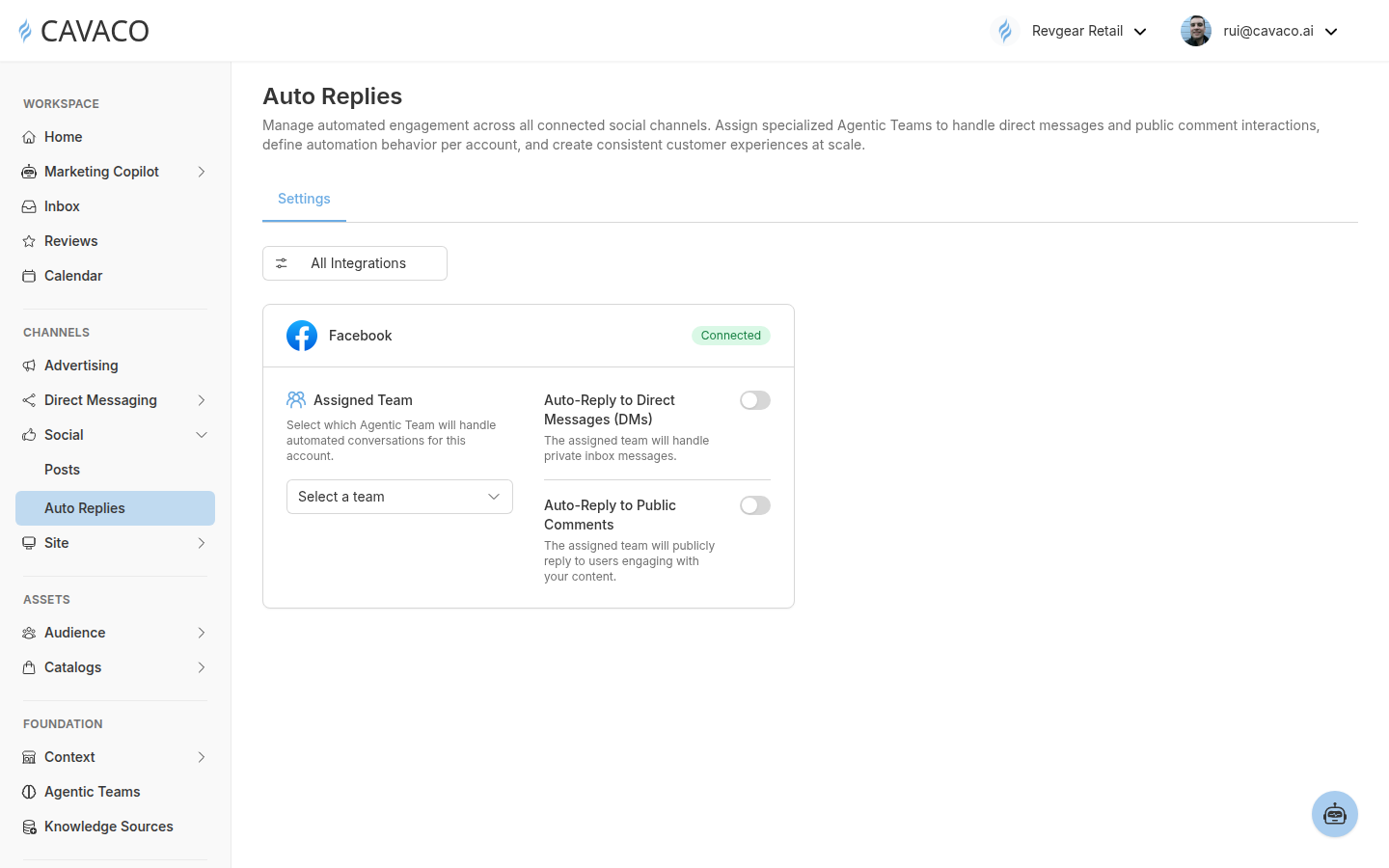
Choose the team for the account, then enable private and public automation independently.
Facebook and Instagram support independent settings for direct messages and public comments. X supports direct messages and public mentions or replies. Connecting the account alone does not turn on automation; select a team first, then enable only the interaction types you want Cavaco to handle.
Start with one connected account and one reply mode. Test with an external account, review the response, and adjust the assigned team’s identity, knowledge, intents, fallback behavior, audience routing, or schedule before expanding automation.
Related articles
.png)