.png)


Sign-Up Forms: Capturing Emails & Phone Numbers
Sign-Up Forms are the engine of your audience growth. Whether you are collecting emails for your newsletter or phone numbers for SMS marketing, Cavaco AI's Sign-Up Forms are designed to maximize opt-in rates while maintaining compliance.
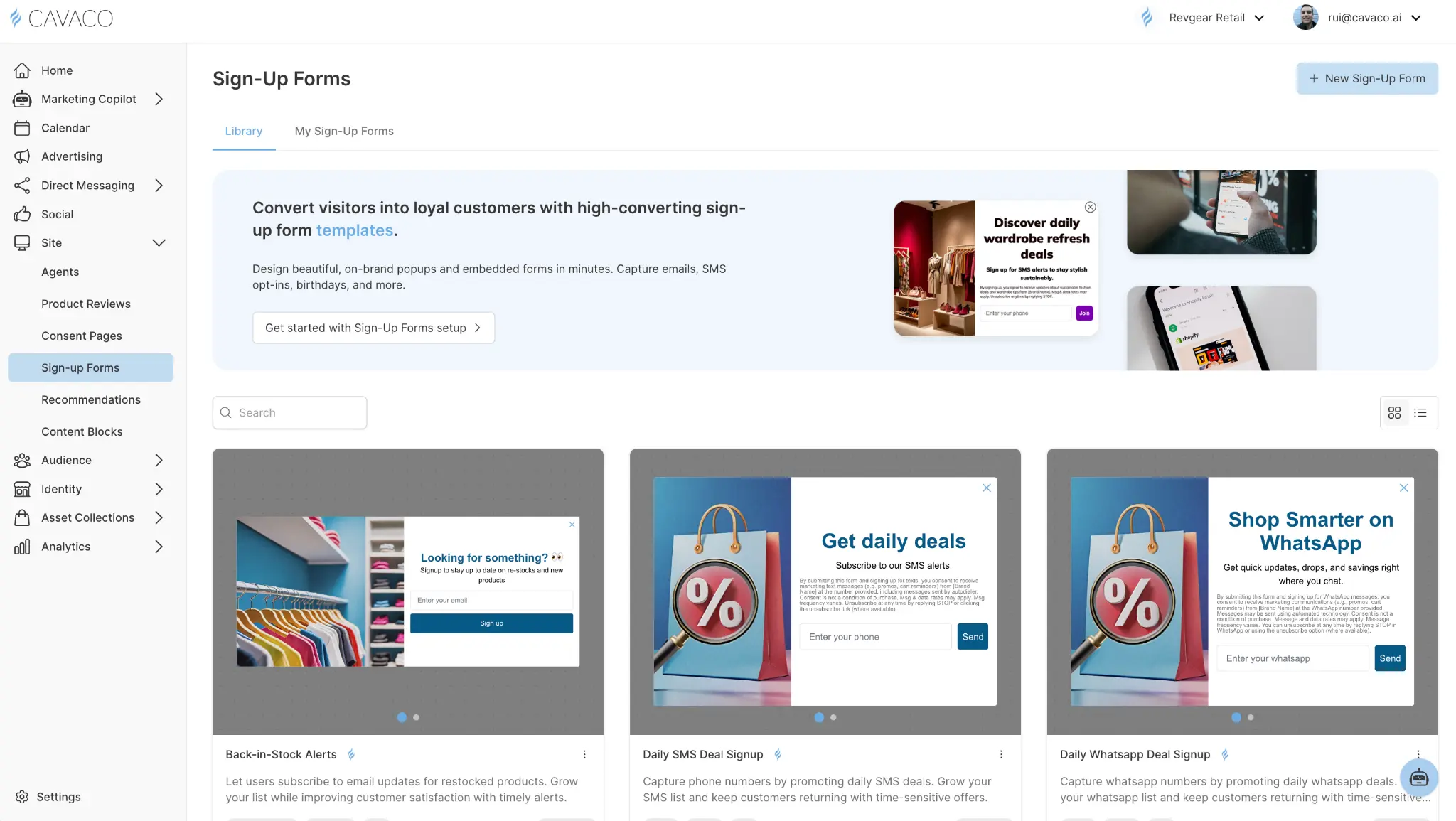
Choosing the Right Display Format
Sign-Up Forms can be deployed in several formats, each serving a different strategy:
- Popups: The highest converting, but most intrusive. Best used with a strong incentive (e.g., "10% off your first order") and delayed by 5-10 seconds so the visitor isn't immediately overwhelmed.
- Flyouts: A balanced approach. They slide in from the corner, remaining visible without blocking the main content. Excellent for secondary offers or content downloads.
- Embeds: The lowest friction. Embed a simple email capture form directly in your site's footer or within blog posts.
Configuring the Form Steps
A successful Sign-Up Form usually consists of multiple steps or "views" that guide the user through the opt-in process:
1. The Teaser (Optional)
For popups and flyouts, you can enable a Teaser. This is a small, minimized version of the widget (like a floating gift icon or a "Get 10% Off" tab) that sits on the edge of the screen.
- If a user closes the main popup, the teaser remains, allowing them to easily reopen the form if they change their mind later.
- You can configure the teaser to show before the main widget, after it's closed, or both.
2. The Capture Step
This is the main view where you ask for information. Best practices dictate keeping fields to an absolute minimum.
- Email only: Lowest friction, highest completion rate.
- Email + Phone: Higher friction, but yields more valuable profiles.
- Multi-step: Ask for email first. When they click submit, the form transitions to a second step asking for their phone number. This often results in higher overall capture rates than asking for both on step one.
3. The Success Step
Once the visitor submits their information, the widget must transition to a success state. This is where you deliver on your promise.
- Display the discount code: Show the code directly in the widget with a "Click to Copy" button.
- Auto-apply discount: Use a button link that automatically applies the discount to their session and closes the widget.
- Confirmation message: A simple "Check your inbox!" message if you are delivering the incentive via a Cavaco AI automated email flow.
Compliance and Consent
When collecting phone numbers, it is critical to include standard SMS compliance language (e.g., "By submitting this form, you agree to receive recurring automated promotional and personalized marketing text messages..."). Cavaco AI's Sign-Up Forms include pre-configured compliance blocks that you can easily drop into your designs.
.png)