.png)


What Is Revenue Attribution?
Revenue attribution is the process of crediting marketing activities with the revenue they helped generate. Cavaco tracks every customer interaction — email opens, clicks, SMS clicks, ad impressions, on-site widget interactions — and attributes revenue to the touchpoints that influenced each purchase.
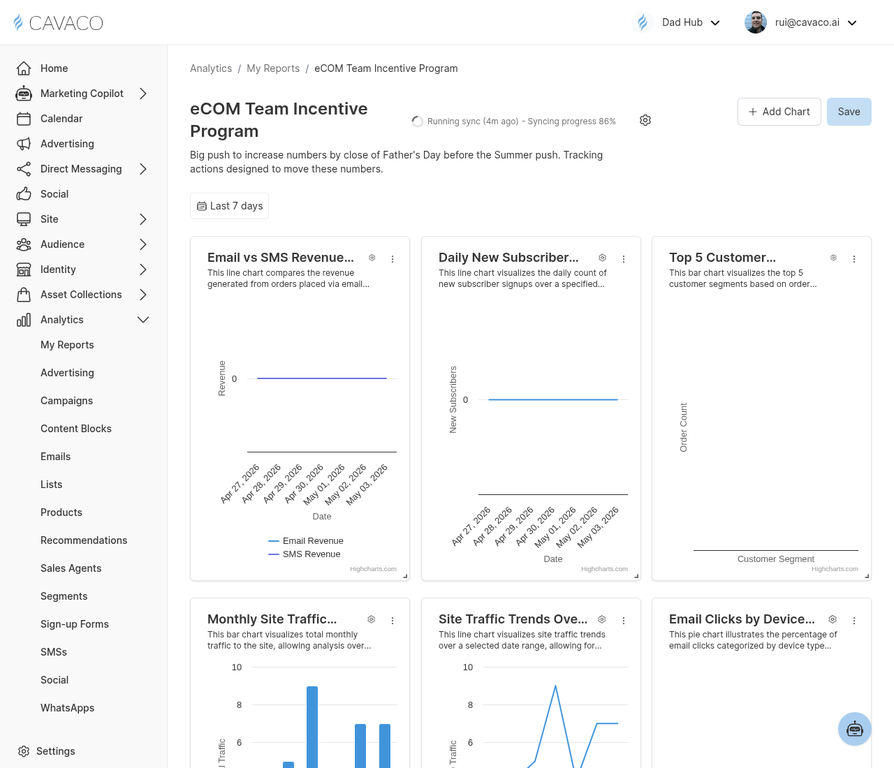
Revenue attribution reports show which campaigns and channels are driving the most revenue.
Attribution Models
Cavaco uses a last-touch attribution model by default, crediting the last marketing interaction before a purchase. The attribution window is 7 days — meaning a purchase is attributed to a campaign if the customer interacted with it within the 7 days before buying.
Reading Attribution Reports
Navigate to Analytics > My Reports and open the Attribution report. This shows revenue broken down by channel (email, SMS, ads, on-site), by campaign, and by segment. Use this data to understand which marketing activities are delivering the best ROI.
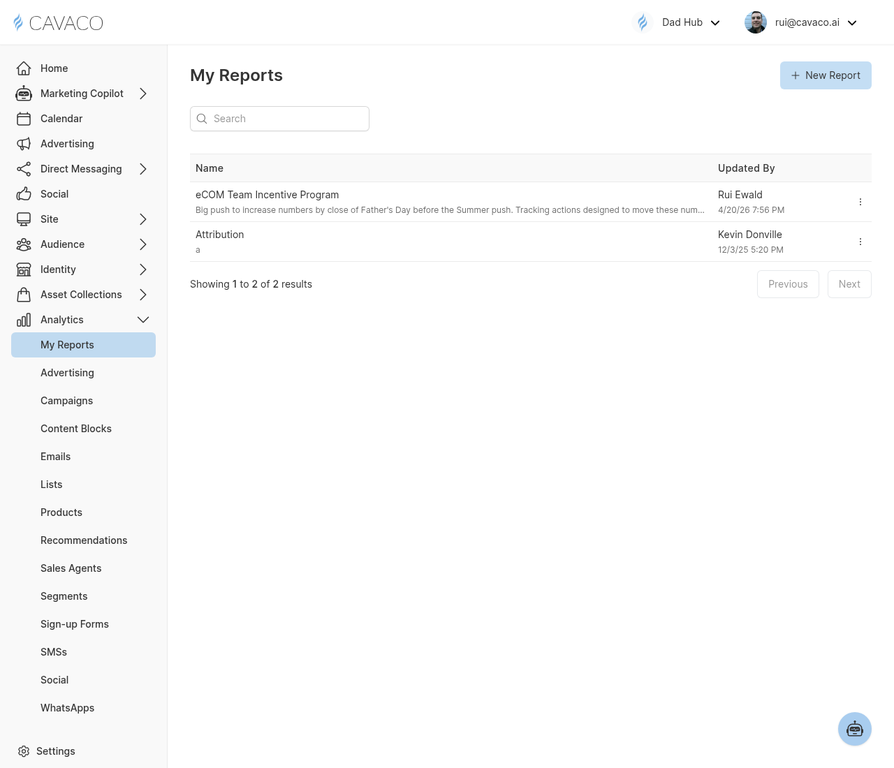
The My Reports page shows all available reports including the Revenue Attribution report.
Attribution vs. Assisted Revenue
Cavaco distinguishes between attributed revenue (last-touch) and assisted revenue (any touchpoint in the path to purchase). The assisted revenue view gives credit to campaigns that influenced the customer journey even if they weren't the final touchpoint.
Example: Last-Touch Attribution with Assisted Revenue Tracking
To understand how Cavaco credits revenue across multiple touchpoints, consider the following customer journey:
- Monday: A customer receives an email campaign and opens it (Touchpoint 1).
- Wednesday: The customer visits your site and clicks a product in a recommendation widget (Touchpoint 2).
- Friday: The customer receives an SMS with a discount, clicks the link, and completes a purchase (Touchpoint 3).
In this scenario, Cavaco uses a Last-Touch Attribution model. The revenue is attributed 100% to the SMS campaign because it was the final touchpoint before the purchase. However, the email campaign and the widget interaction are not ignored; they are recorded as Assisted Revenue, acknowledging their role in the buyer's journey.
In your dashboard, you will see this reflected in the "Campaign Revenue" chart (credited to the SMS campaign) and the "Channel Breakdown" chart.
.png)