.png)


Overview
The HubSpot integration connects Cavaco with your HubSpot CRM, enabling bi-directional sync of contact data, deal information, and engagement metrics. This gives your sales team full visibility into marketing touchpoints directly within HubSpot.
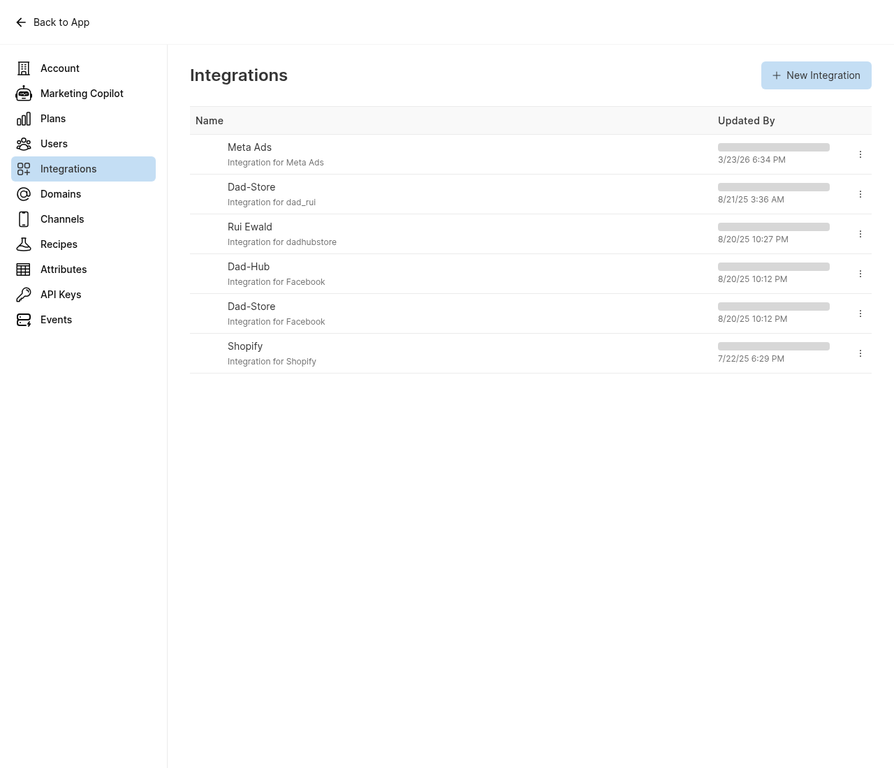
Connect HubSpot from the Integrations page.
Connecting HubSpot
- Navigate to Settings > Integrations and click New Integration
- Select HubSpot from the platform list
- Click Connect with HubSpot — you'll be redirected to HubSpot's authorization page
- Select the HubSpot account you want to connect
- Approve the permissions and you'll be redirected back to Cavaco
What Gets Synced
- Contacts — Bi-directional sync of contact properties
- Email engagement — Opens, clicks, and unsubscribes synced to HubSpot contact timeline
- Segment membership — Cavaco segments synced as HubSpot lists
- Revenue data — Purchase history synced to HubSpot contact properties
Use Cases
The HubSpot integration is particularly valuable for B2C brands with a sales team. Your sales reps can see exactly which marketing emails a contact has received and engaged with, giving them context for outreach. You can also use HubSpot deal stages as triggers for Cavaco drip campaigns.
.png)