.png)


Product Reviews & Star Rating Widgets
Social proof is one of the strongest drivers of ecommerce conversion. Cavaco AI's Product Reviews widgets allow you to seamlessly display customer feedback directly on your store.
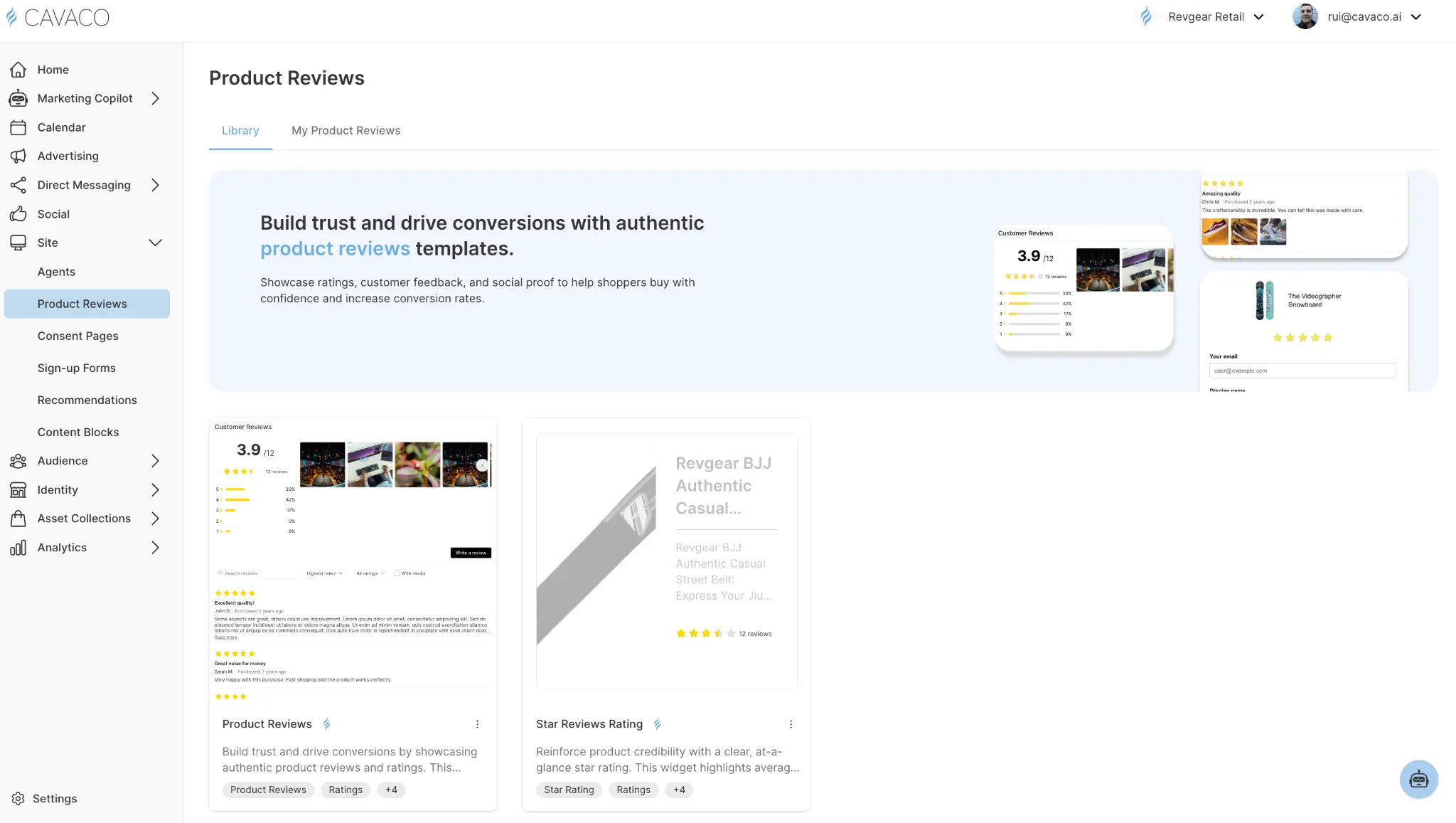
The Two Review Widgets
Cavaco AI splits reviews functionality into two distinct templates within the Product Reviews section, designed to be used together:
1. The Star Reviews Rating
This is a lightweight, inline widget that simply displays the aggregate star rating (e.g., 4.8 stars) and the total number of reviews for a product. It is highly compact and designed to provide immediate social proof at a glance.
Where to place it:
- Immediately under the product title on the Product Description Page (PDP).
- On product cards within Collection pages and Search Results.
- Inside Recommendation widget carousels.
2. The Product Reviews List
This is the comprehensive widget that displays the full review experience. It includes the aggregate score breakdown, individual review cards (with text, photos, and reviewer details), sorting/filtering controls, and the "Write a Review" submission form.
Where to place it:
- At the bottom of the Product Description Page (PDP), typically below the product details and above the footer or bottom recommendation carousel.
Configuring the Review Experience
When setting up the full Product Reviews widget, you have several configuration options to match your brand:
- Layout: Choose between a list view (reviews stacked vertically) or a grid/masonry view (reviews tiled alongside each other).
- Photo Reviews: Choose whether to prominently feature customer-uploaded photos. Photo reviews significantly increase trust and conversion.
- Sorting: Set the default sort order (e.g., Most Recent, Highest Rated, or Most Helpful).
Collecting Reviews
While the widget handles displaying the reviews, you must actively collect them. The Product Reviews widget includes a native "Write a Review" button that opens a submission form directly on the page.
However, the most effective way to generate reviews is by pairing these widgets with a Post-Purchase Review Request Flow in Cavaco AI's Campaign builder. Set up an automated email or SMS that triggers 14 days after an order is fulfilled, asking the customer for their feedback and linking them directly back to the PDP where the review widget awaits.
.png)