.png)


Your Audience Is Your Most Valuable Asset
In Cavaco AI, your audience is organized into four interconnected views: Profiles, Segments, Lists, and Leads. Together, these give you a complete picture of who your customers are, how they behave, and how to reach them most effectively. All four are accessible from the Audience section in the main navigation.
Profiles: Your Contact Database
Navigate to Audience > Profiles to browse your full contact database. Each profile contains the contact's name, email address, phone number, the source they came from (e.g., Shopify, a sign-up form, or an imported dataset), and the date they were created and last updated. Clicking on any profile opens a detailed view showing their purchase history, engagement activity, and any custom attributes you have defined.
Segments: Dynamic Audience Groups
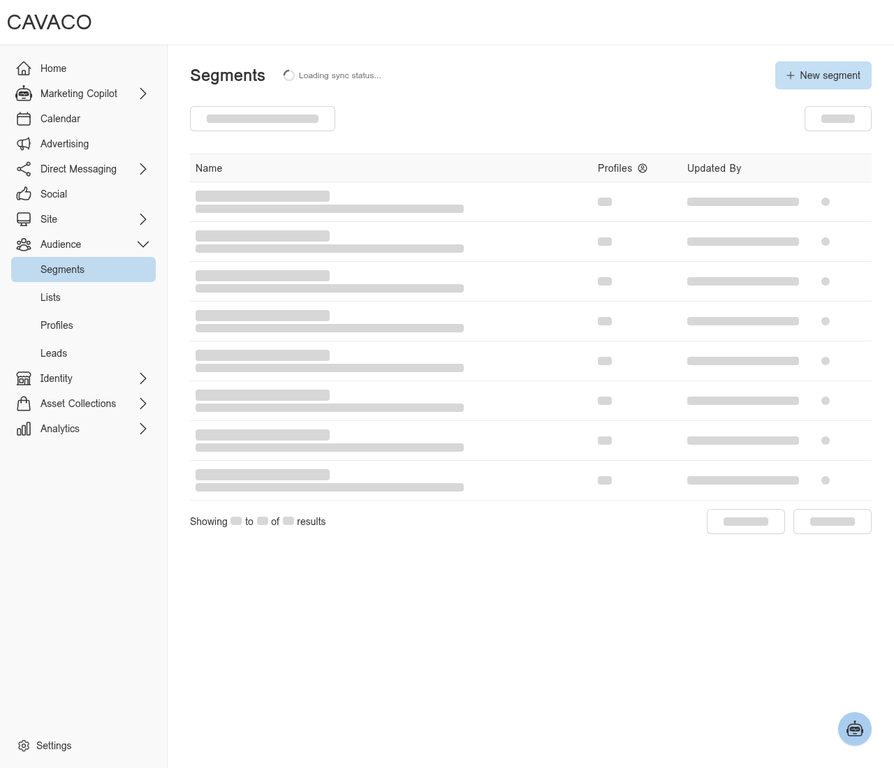
Navigate to Audience > Segments to create and manage dynamic audience segments. A segment is a rule-based group of contacts that updates automatically as your customer data changes. For example, a "VIP Customers" segment might include anyone who has made more than three purchases in the last 90 days — and it will always reflect the current set of customers who meet that criteria, without any manual updates required.
Segments are the foundation of targeted campaigns. When creating a campaign, you select one or more segments as your audience, ensuring your message reaches exactly the right people at the right time.
Lists: Static Audience Groups
Navigate to Audience > Lists to manage static contact lists. Unlike segments, lists do not update automatically — they contain a fixed set of contacts that you define manually. Lists are useful for managing specific opt-in groups, event attendees, or any audience that requires manual curation rather than rule-based membership.
Leads: Prospective Customers
Navigate to Audience > Leads to manage datasets of prospective customers. Leads are typically imported from external sources and represent people who have not yet made a purchase or fully opted in to your marketing. They can be used to run targeted acquisition campaigns to convert prospects into paying customers.
Engagement Data and RFM Scoring
Each contact profile in Cavaco tracks key engagement signals, including when they were first seen, when they were last seen, and their total lifetime spend. This data powers the RFM (Recency, Frequency, Monetary) scoring that Cavaco uses to identify your most valuable customers and those at risk of churning. The Marketing Copilot uses this engagement data to proactively surface re-engagement opportunities — for example, suggesting a win-back campaign when a significant portion of your high-value customers have not purchased recently.
Keeping Your Audience Clean
Cavaco automatically handles unsubscribes — any contact who opts out of email or SMS communications is immediately excluded from future sends of that channel. Contacts can also be manually deleted from their profile page if needed. Maintaining a clean, engaged audience is the single most important factor in achieving strong email deliverability and campaign performance.
.png)