.png)


Overview
Coupons and discount codes are powerful incentives for driving conversions in email and SMS campaigns. Cavaco supports both static coupon codes (the same code for everyone) and dynamic unique codes (a different code for each recipient).
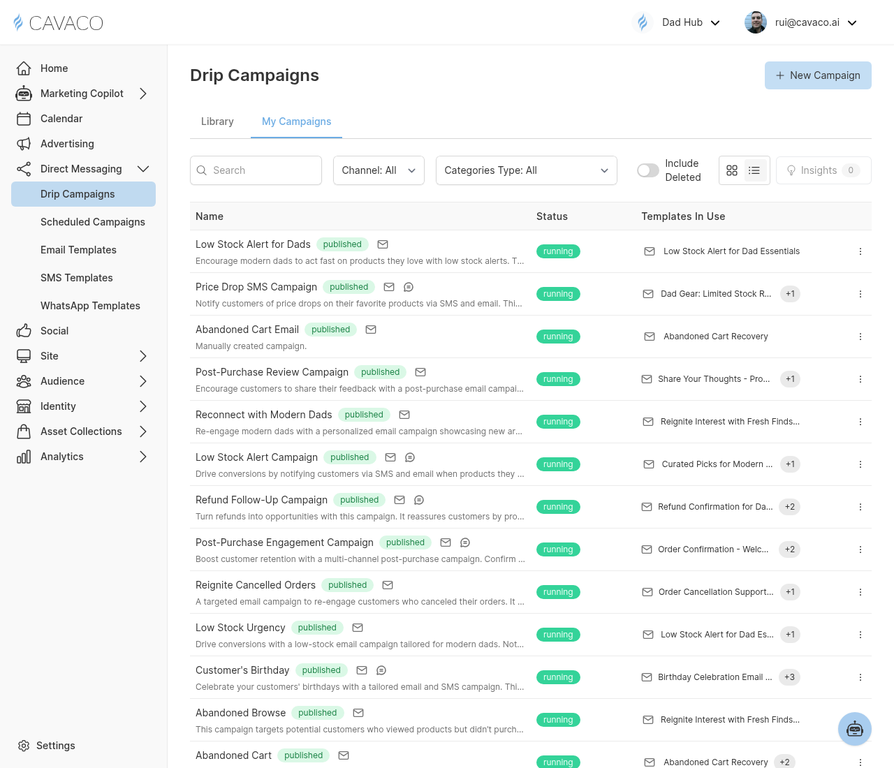
Coupons can be added to any step in a drip campaign or scheduled campaign.
Static vs. Dynamic Coupons
Static coupons use a single code shared by all recipients (e.g., SUMMER20). They're easy to set up but can be shared publicly, reducing their exclusivity. Dynamic coupons generate a unique code for each recipient — they can't be shared and allow you to track exactly which customer used which code.
Creating a Coupon in Cavaco
For Shopify stores, Cavaco can generate unique coupon codes directly from your Shopify discount settings. When adding a coupon to a campaign step, select Dynamic Coupon and configure the discount type (percentage, fixed amount, or free shipping), the discount value, and the expiration date.
Adding Coupons to Emails
In the email template editor, use the {coupon_code} variable to insert the coupon code inline in your email copy. You can also use the dedicated Coupon Block element, which displays the code in a visually prominent box that's easy for recipients to copy.
.png)