.png)


Cavaco brings organic social creation, publishing, and measurement into the same marketing workspace. Connect Facebook, Instagram, or X, then create content with Marketing Copilot, start from a saved Copilot action, or build the content manually.
This guide covers the released Social Posts workflow. Automated replies to comments and direct messages are configured separately through Social Auto Replies and Agentic Teams.
Explore the Social Workspace
Go to Social → Posts. The Social workspace has three tabs:
- Library contains reusable social content.
- My Social Content contains the content created for your workspace.
- Analytics shows social performance for a selected period.

My Social Content provides search, integration and format filters, grid and table views, status labels, and platform previews.
Use Search to find content by name or copy. Use All Integrations to narrow the view by connected account and All Formats to narrow it by content format. Switch between grid and table views, or include deleted records when you need to review older work.
Choose How to Create Social Content
Select New Social Content, then choose the path that matches how you want to work.
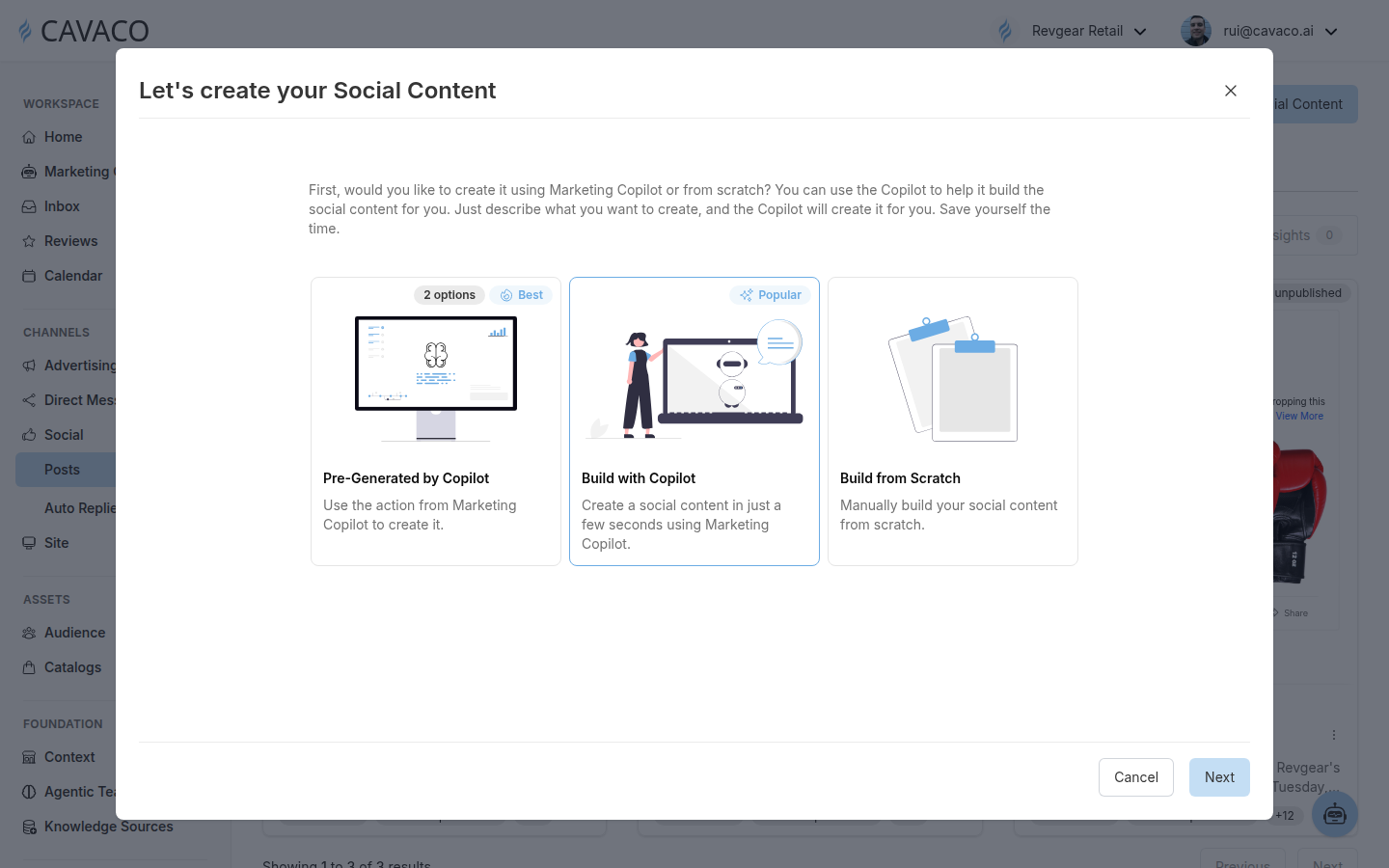
Every new social item starts with one of three creation methods.
Pre-Generated by Copilot
Choose this path when Marketing Copilot has already prepared a social-content action. Select one of the available options and continue from the generated starting point.
Build with Copilot
Choose this path when you want Cavaco to create platform-specific content from your brand and campaign context. You can describe what you want in natural language, review the result, and adapt it before publication.
Build from Scratch
Choose this path when you want to control the copy, destination platform, available format, media, and schedule manually. The exact controls depend on the selected integration and format.
Cavaco currently supports organic social connections for Facebook, Instagram, and X. Instagram publishing supports Posts, Reels, and Stories. Connect the required account before starting; a personal Instagram account cannot be connected directly.
Build with Copilot Using Brand and Product Context
When you select Build with Copilot, Cavaco first associates the content with the workspace’s saved brand and a connected social integration. The brand record supplies context such as the brand identity and description, while the integration determines the destination account and available platform formats.
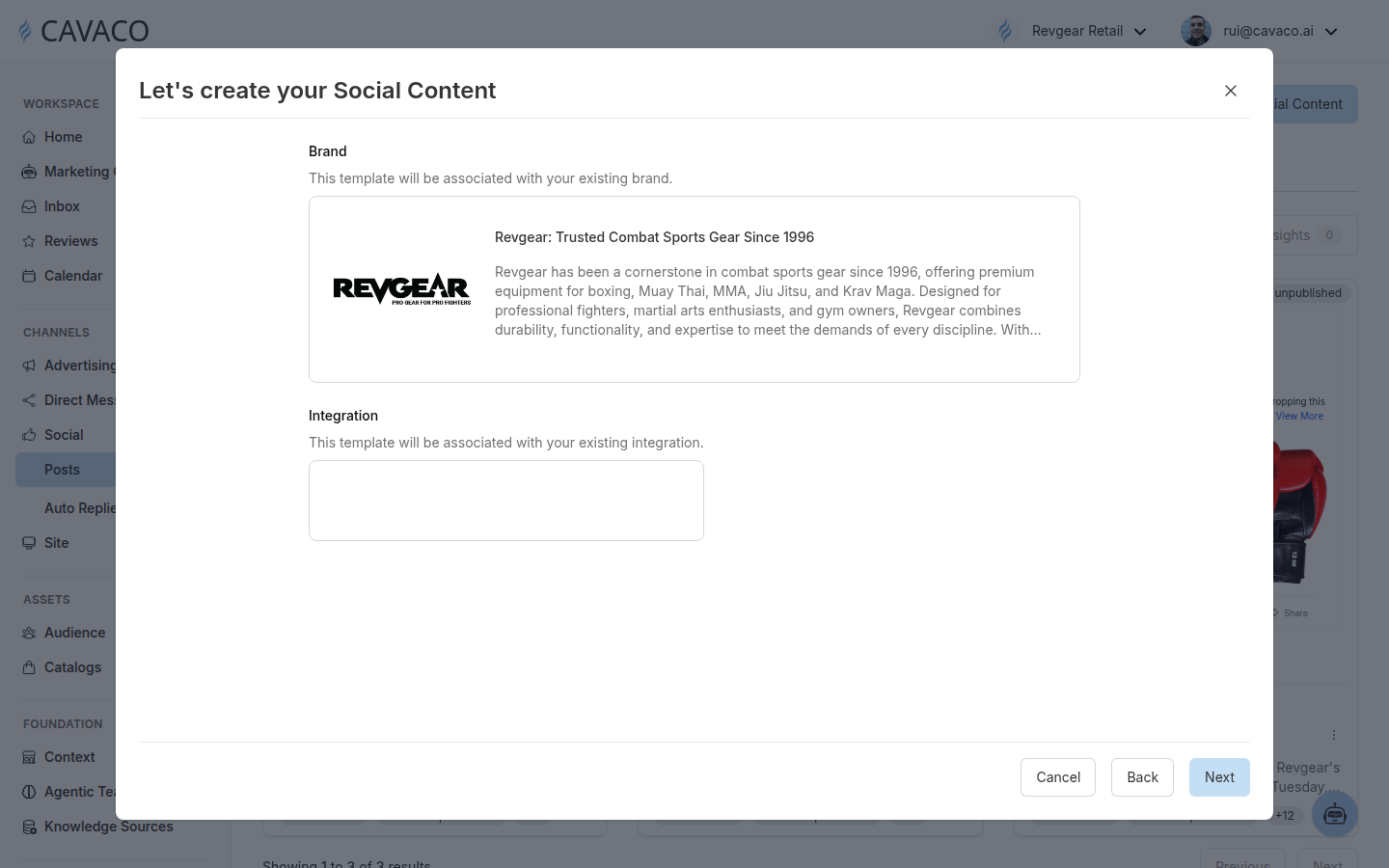
Select the saved brand and the connected destination before continuing with Copilot generation.
Create product-aware posts and carousels
When product context is part of the request, Cavaco can use catalog products and product images to shape the content. The creation pipeline supports product identifiers, product context, and carousel planning with slide-by-slide media instructions. This is useful for launches, new arrivals, collections, promotions, and other product-led stories.
Cavaco selects media according to the available context. It can use catalog images, brand-library assets, generated images, or image URLs supplied in the request. If an appropriate image is unavailable, it can generate a new image. For video content, Cavaco can select an existing video asset or provided video URL; it does not generate a new video in this workflow.
Adapt content for each platform
Copilot creates and adapts social copy for Facebook, Instagram, and X. Platform-specific output can change the copy, tone, emphasis, framing, imagery, and internal tags while staying associated with the same brand and marketing strategy.
Review suggested hashtags
Copilot can include relevant hashtags in platform-specific copy based on the content request and the brand, product, and campaign context you provide. Review the suggested hashtags before publishing. This is contextual hashtag generation, not a separate live social-trend monitoring feed.
Schedule and manage the result
Social content can be assigned an explicit future date and time using the workspace timezone. If an interactive Copilot request does not include a schedule, the workflow asks for one. After creation, use My Social Content to review the preview, platform, format, status, name, description, and tags before managing the record.
Analyze Social Performance
Open the Analytics tab to select a main period and a comparison period. Presets include Today, Yesterday, Last 7 days, Last 30 days, Last 90 days, and Last 365 days, with a custom calendar available for other date ranges.
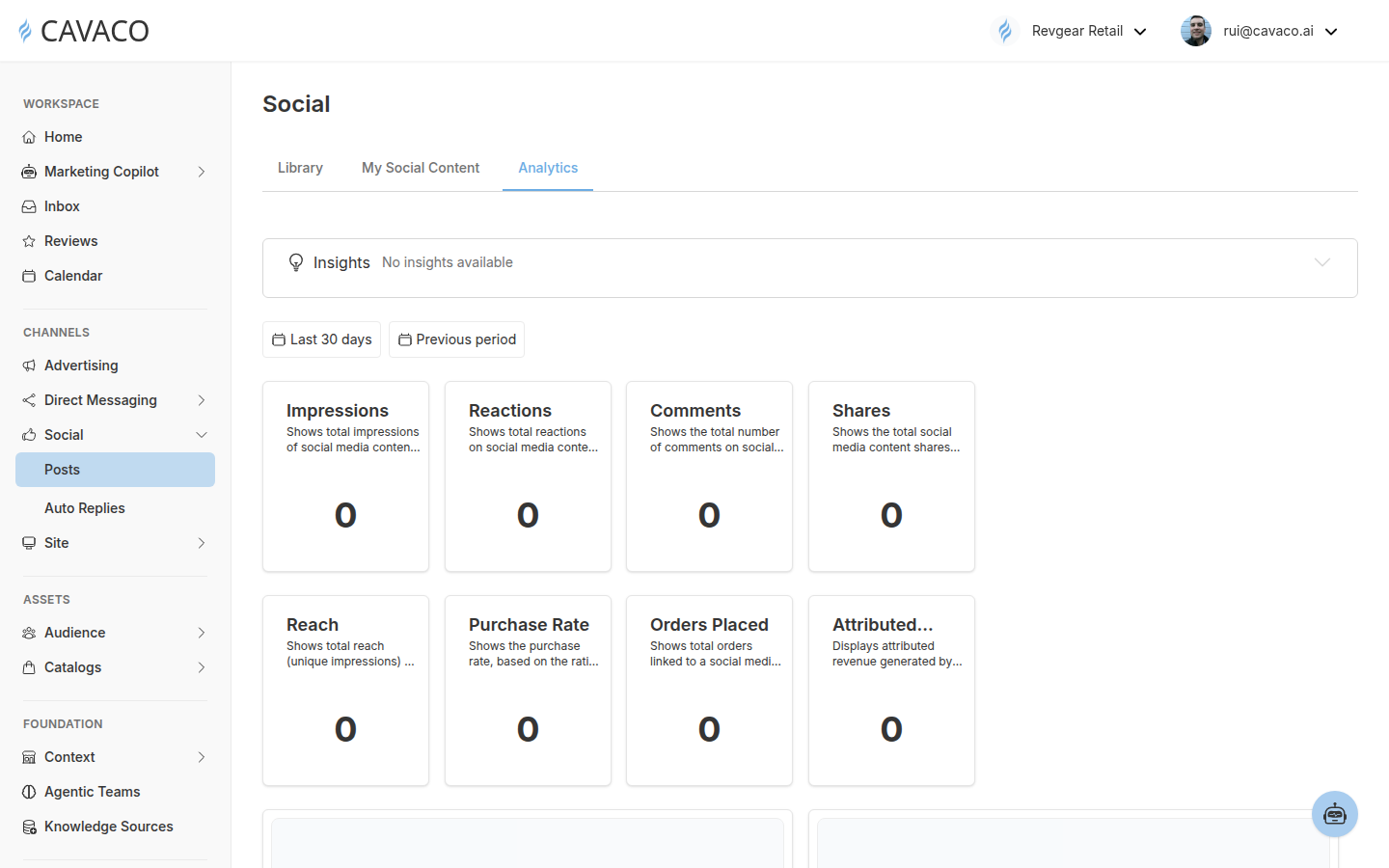
This example period has no measured activity; use the same cards to review results when connected-platform and commerce data are available.
The released dashboard includes cards for impressions, reach, reactions, comments, shares, purchase rate, orders placed, and attributed revenue. Reach represents unique impressions. Purchase Rate is based on the ratio of orders to product views. Orders Placed and Attributed Revenue report commerce outcomes associated with social content for the selected period.
Continue the conversation
Publishing and automated engagement are configured separately. After an account is connected, you can assign an Agentic Team in Social → Auto Replies and independently enable supported private-message and public-interaction replies for that integration. Connecting a channel alone does not turn on automated replies.
Related articles
.png)