.png)


What Are Dynamic Variables?
Dynamic variables (also called merge tags or personalization tokens) are placeholders in your campaign content that get replaced with real customer data at send time. They transform generic broadcast messages into personalized communications that feel individually crafted.
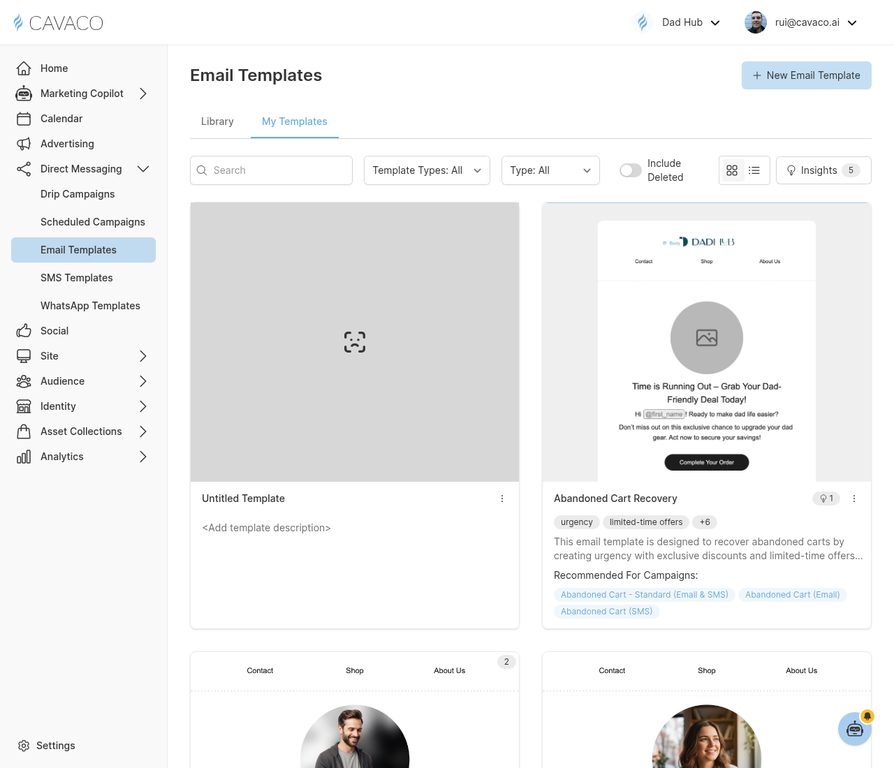
Dynamic variables can be inserted into any email template using the merge tag syntax.
Available Variables
{first_name}— Contact's first name{last_name}— Contact's last name{last_order_date}— Date of their most recent purchase{last_order_total}— Value of their most recent order{total_orders}— Total number of orders placed{lifetime_value}— Total revenue from this contact{recommended_products}— AI-curated product recommendations{coupon_code}— A dynamically generated unique coupon code
Using Variables in Email Templates
In the email template editor, click the Variables button in the toolbar to browse available variables. Click any variable to insert it at the cursor position. Variables can be used in subject lines, preview text, and the email body.
Fallback Values
Always set fallback values for variables that might be empty. For example, use {first_name | "there"} so that contacts without a first name receive "Hi there!" instead of "Hi !" Setting fallbacks prevents awkward gaps in your personalized content.
.png)