.png)


What Are Exit Conditions?
Exit conditions define when a contact should leave a drip campaign before completing all the steps. Without exit conditions, a contact who purchases during a welcome series would still receive all remaining welcome emails — which can feel tone-deaf and damage the customer relationship.
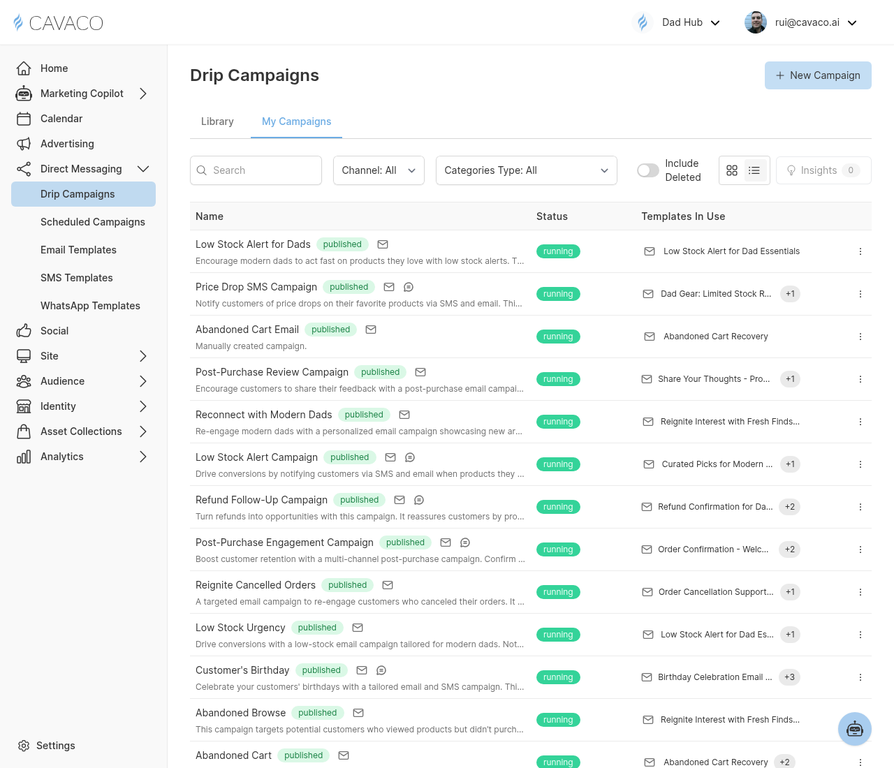
Exit conditions are configured in the campaign settings for each drip sequence.
Common Exit Conditions
- Welcome Series — Exit when the contact makes their first purchase
- Abandoned Cart — Exit when the contact completes their purchase
- Win-Back Campaign — Exit when the contact makes any purchase
- Post-Purchase Series — Exit when the contact makes another purchase
- Browse Abandonment — Exit when the contact purchases the browsed product
Configuring Exit Conditions
In the drip campaign builder, scroll to the Exit Conditions section. Click Add Condition and select the trigger event that should remove contacts from the flow. You can add multiple exit conditions — a contact exits when any one of them is met.
Global Suppression
In addition to campaign-specific exit conditions, Cavaco applies global suppression rules: contacts who unsubscribe from email or SMS are immediately removed from all active campaigns on that channel. This is automatic and cannot be overridden.
.png)