.png)


What Is A/B Testing?
A/B testing is the practice of sending two or more variations of a campaign to different portions of your audience to determine which version performs better. Cavaco supports A/B testing across email campaigns, SMS campaigns, and on-site widgets.
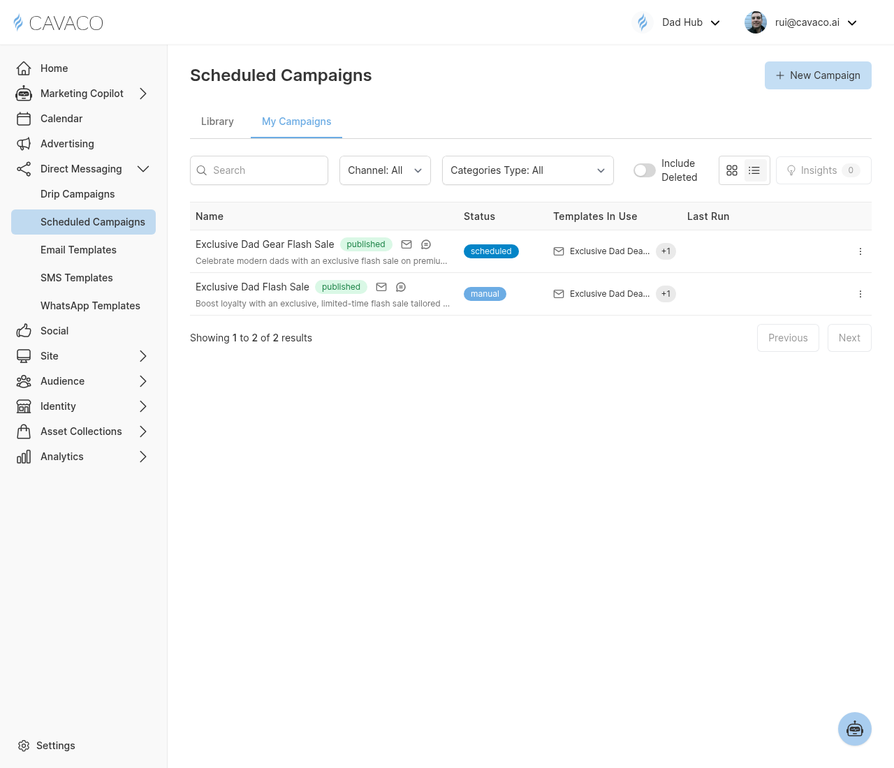
A/B tests can be configured when creating any scheduled or drip campaign.
What You Can Test
In email campaigns, you can A/B test subject lines, preview text, from name, send time, and email content. In SMS campaigns, you can test message copy and send time.
Setting Up an A/B Test
When creating a scheduled campaign, toggle on A/B Test in the campaign setup. Define your variants, set the traffic split (e.g., 50/50), and choose your winning metric — typically open rate or click rate. Set a test duration, after which Cavaco will automatically send the winning variant to the remaining audience.
Reading A/B Test Results
Results appear in the campaign analytics view. Cavaco shows statistical significance alongside raw metrics — only declare a winner when significance exceeds 95%. A well-run A/B test should run for at least 4 hours and reach at least 1,000 recipients per variant for reliable results.
.png)